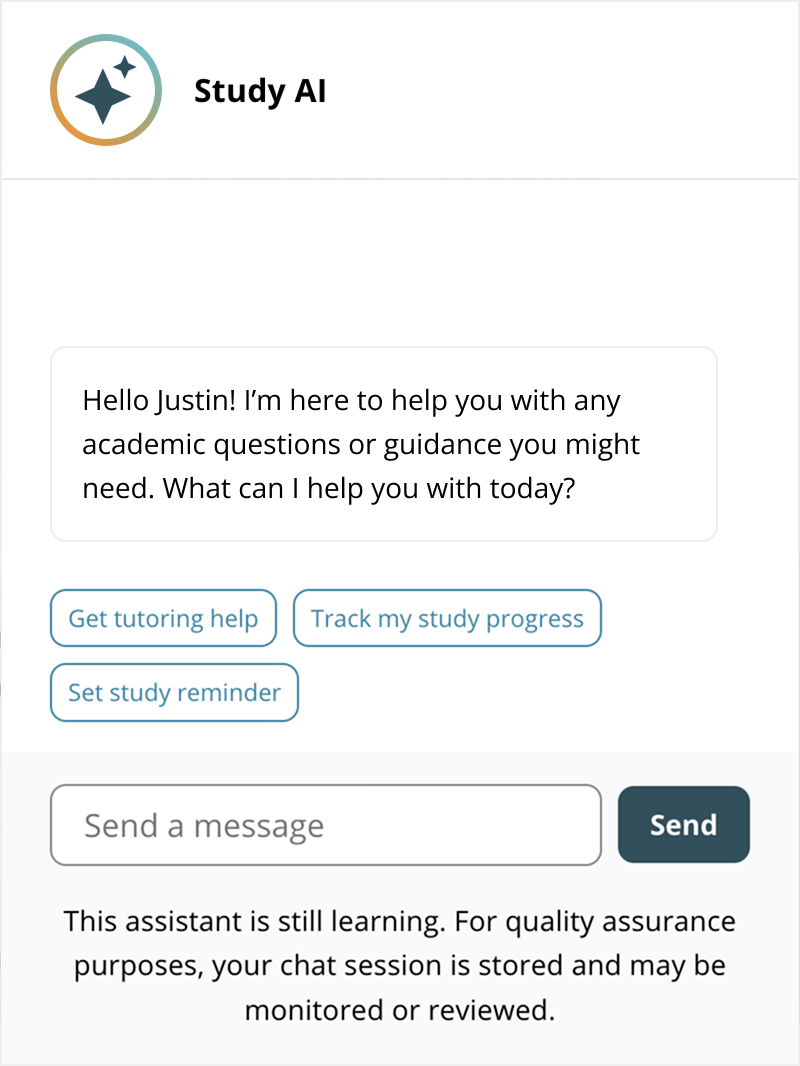
Study AI
I created the unified Study AI experience for teachers, students, and test-takers. This experience became both a helpful tool for customers and a platform for AI innovation.
- Designed a universal assistant as a system for diverse users.
- Created context-aware teacher tools that transformed lessons.
- Introduced a Test Prep tutor with knowledge of individual tests.
- Improved outcomes for customers and began AI innovation at the company.
One assistant, many use cases
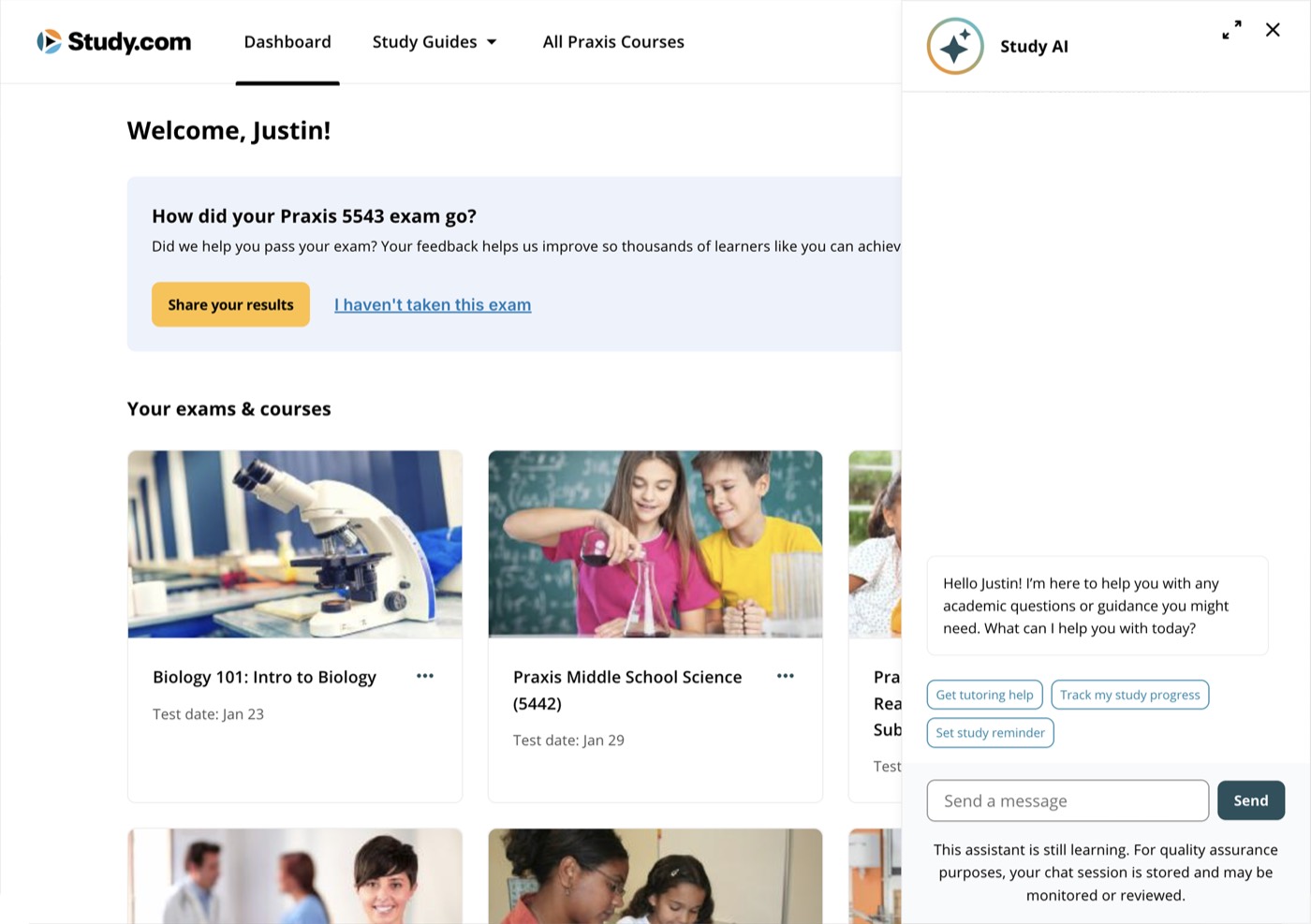
I unified several separate assistant projects into one experience with a shared UX and shared visual language. Users launched the assistant from an icon in the header.
Each business segment had their own assistant, and own RAG index, so teachers, college students and test takers got answers from relevant sources. Progress context sat above all of them and carried what a customer had already done into every conversation.
Teacher tools transformed lessons
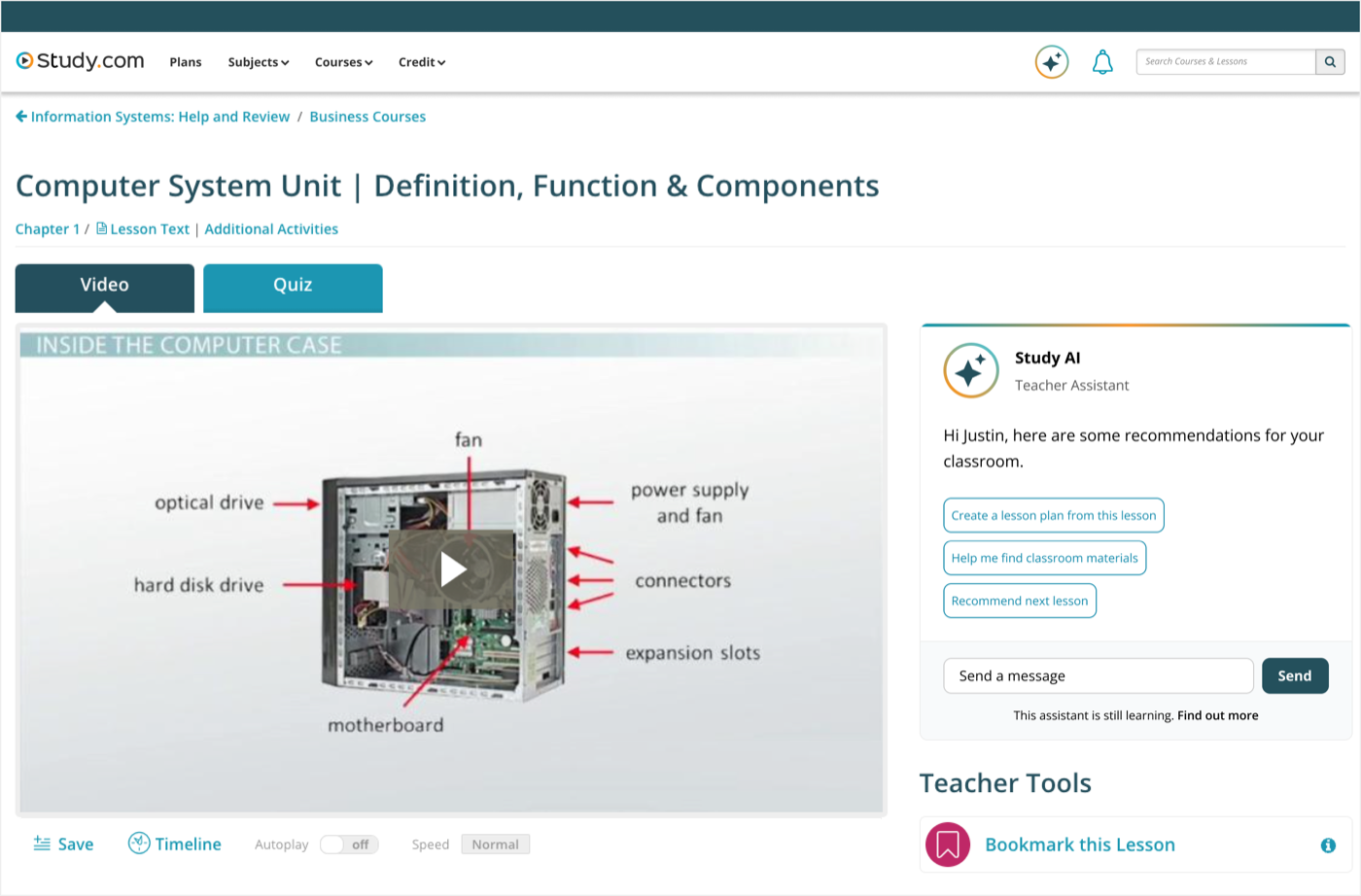
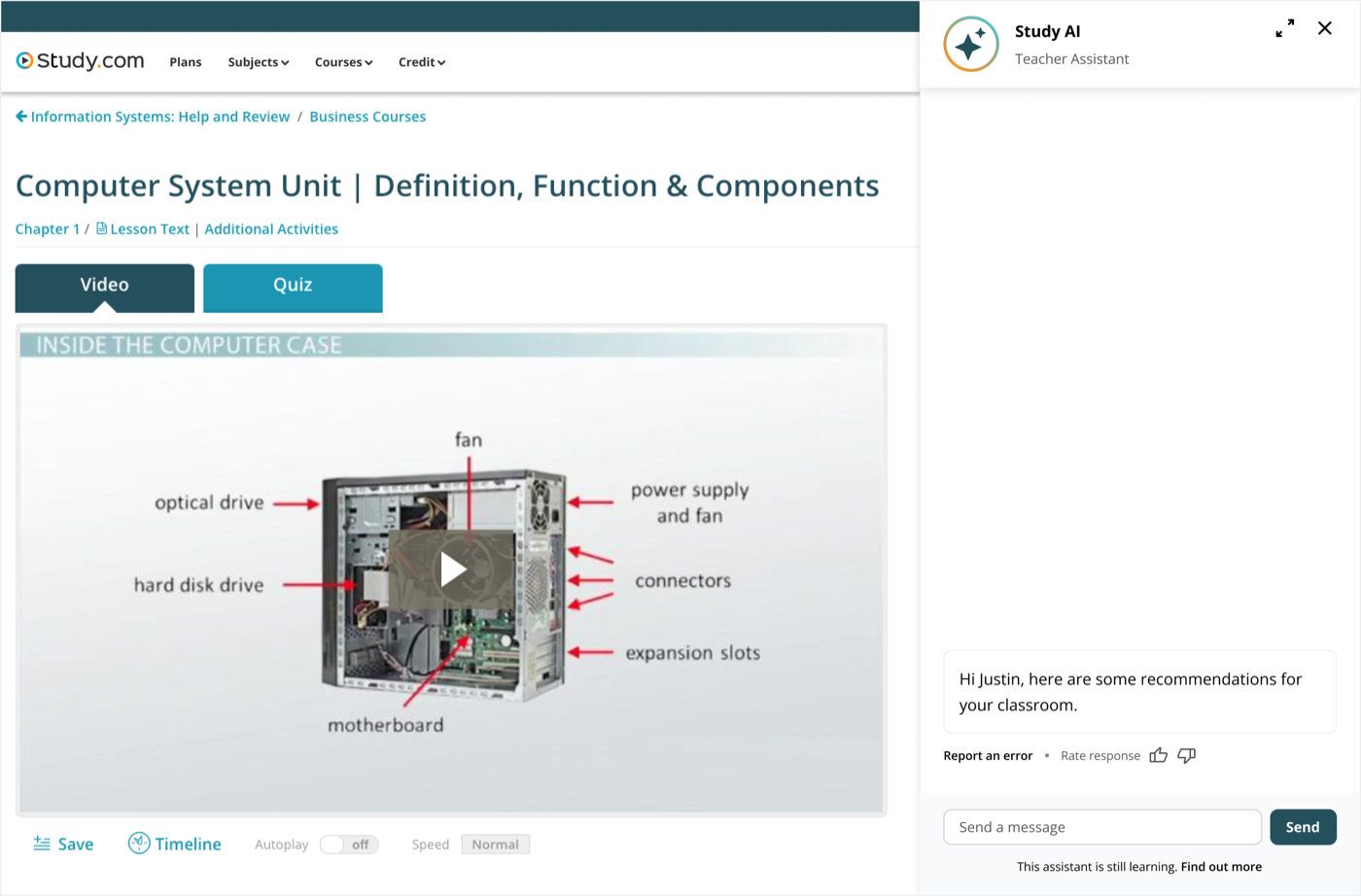
I designed Study AI teacher tools into the lesson page itself. Teachers could build lesson plans from the content on screen, and easily switch to a full-screen view or download an artifact.
The chat interface on the page allowed teachers to ask questions or launch the assistant in a natural way. I created a rating system to get feedback on AI responses.
A tutor to help you learn, not cheat
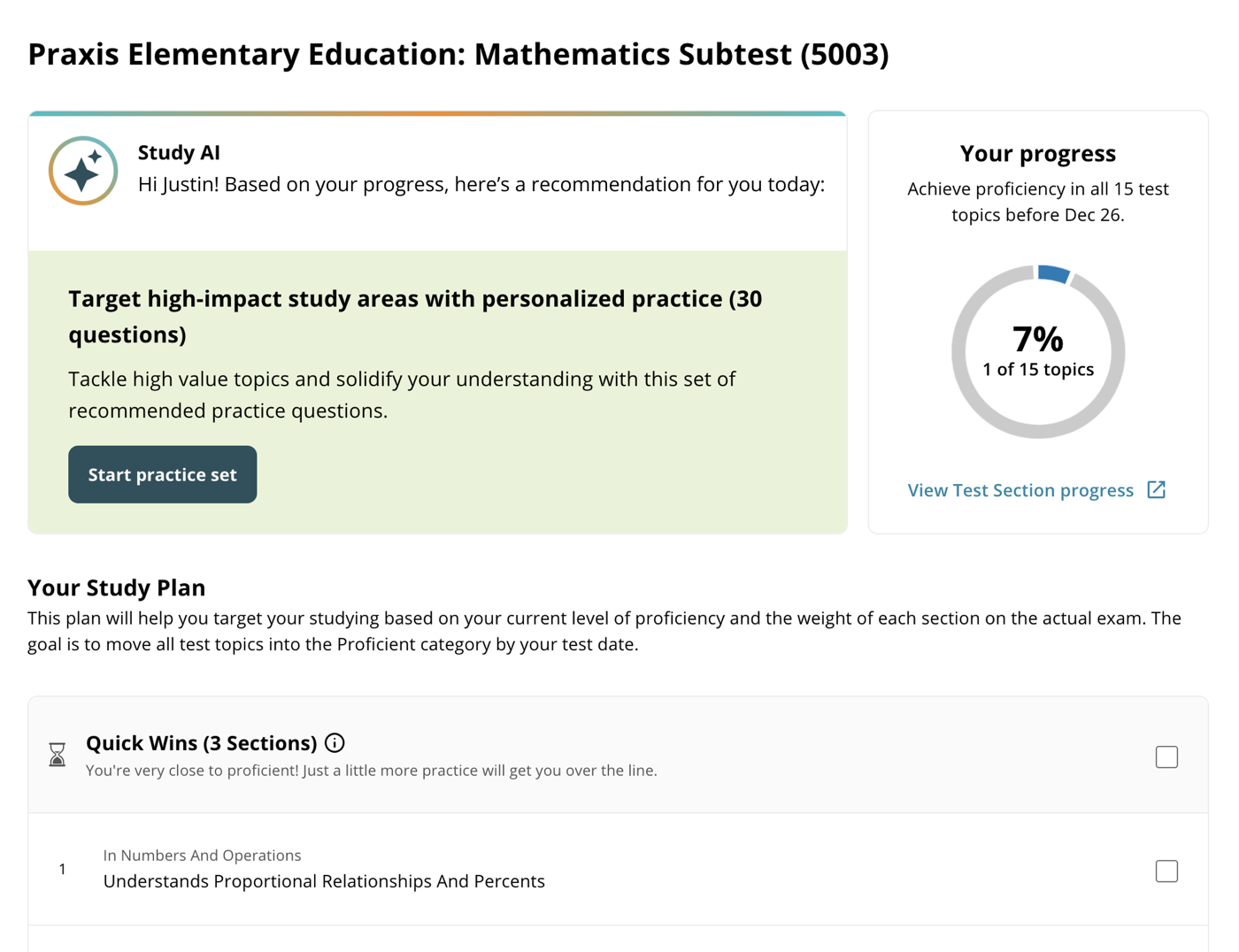
For Test Prep, Study AI had double duty: It introduced and guided students through a study plan, and gave hints and suggestions during practice.
I worked with a learning science team to create learning loops for students and to keep them in the zone of proximal development. We realized metacognition (learning how to learn) is just as important as mastering the learning material. Our tutor offered tips and practice but didn’t reveal test answers.
Better outcomes, and a platform for innovation
Study AI made an immediate impact on customer outcomes. We introduced the features to three different segments: teachers, college students, and test prep members. Each segment found different use cases helpful, but overall month over month retention improved and new-member revenue increased.
Internally, Study AI became the basis of innovation and experimentation in the company. We had quarterly hackathons that would take this system and build upon it. After launch, each Study.com product team had AI quarterly targets that used this flexible system as its base.